

Report health check
Already have Power BI reports? We start by reviewing them: performance, the data model underneath and the report design. Then we recommend what to fix first.
Ask us about your reportsDashboards people actually use. We design Power BI reports that tell a clear story, so your teams spot what matters and act on it in seconds.

The human brain is inherently wired to rapidly process and comprehend visualisations far more swiftly than reading and interpreting textual information. So, we believe that data visualisation is more than just creating pretty charts and graphs. Our approach is designed to help you answer your most important business questions by providing you with the insights you need to make informed decisions. We work closely with you to understand your business goals, data sources, and user needs before creating visualisations that are both informative and engaging.
How we work
We interview report users to understand the decisions each report must support.
Includes
We sketch layouts and test them with users before building.
Includes
We develop performant reports on a solid data model.
Includes
We roll out, train users and track adoption to keep improving.
Includes
Drag the slider to compare a report many teams will recognise with the same data redesigned the way we design reports. It's an illustrative example with sample data. Every change follows a design principle, explained below.
Want to see the real thing? Explore our live dashboards
Already have Power BI reports? We start by reviewing them: performance, the data model underneath and the report design. Then we recommend what to fix first.
Ask us about your reports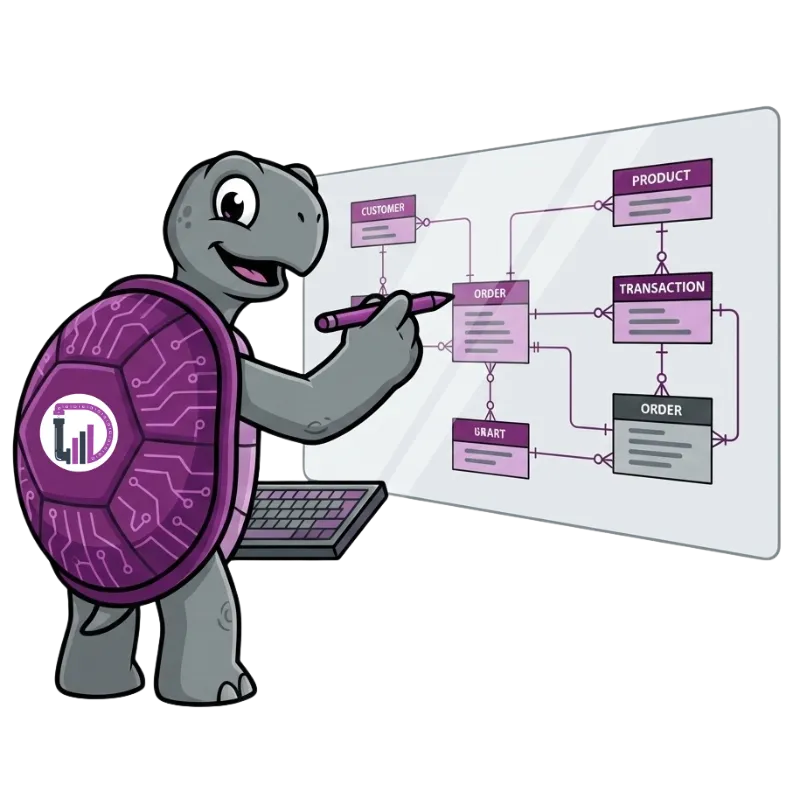
A report is only as good as the model behind it. We build star-schema semantic models with agreed measures, so numbers match across reports and stay fast as data grows.
Why data modelling matters
Hands-on training for report builders and business users, so your team can extend the reports with confidence after we hand over.
Power BI training and workshopsDashboards designed around real decisions. Want to see one in action? Explore our live dashboards.
Facing something similar? Talk to us about your use case.
What our clients say about us
 Kaye Johnston
Director-RIM
Australian Energy Regulator
Kaye Johnston
Director-RIM
Australian Energy Regulator
DATA LEAGUE personnel have developed a reporting interface for Australian Energy Regulator, that will be used to inform future data storage and reporting solutions for the AER. They provided business analyst services, as well as developing the data reporting architecture, documentation, and visualisations. They worked well with my team of subject matter experts, and our on-site IT services teams, and easily managed the challenges of a team in multiple time zones and from various backgrounds. The outcomes of the project was a fully functional Power BI reporting interface, enabling access to raw data, curated metrics and specialist reports that will influence our future data collections, and the underlying database architecture. I am very happy to recommend the team at Data League.
Take our free 5-minute Data Maturity Assessment. You'll get an instant score, a benchmark comparison and the three things to fix first.
Frequently Asked Questions
Data visualisation is a powerful tool that can help organisations across various domains to gain valuable insights from their data and make better-informed business decisions.
Enhanced Understanding: Data visualisation presents complex data in a visual format, making it easier to comprehend patterns, trends, and insights. Visual representations enable users to grasp information quickly and make informed decisions.
Improved Decision-Making: By converting raw data into visual charts, graphs, and dashboards, data visualisation enables data-driven decision-making. It helps stakeholders identify opportunities, detect anomalies, and respond to challenges effectively.
Faster Data Analysis: Visualising data allows analysts and decision-makers to process information more rapidly than they could with raw data alone. It reduces the time spent on manual data analysis and enables real-time or near-real-time insights.
Identifying Patterns and Trends: Data visualisations help uncover hidden patterns and trends in data that might not be apparent in tabular form. This aids in discovering correlations, seasonality, and other valuable insights that inform business strategies.
Effective Communication: Visualisations make data communication more engaging and impactful. Complex data can be presented in a simple and visually appealing manner, allowing stakeholders to share information effectively across teams and departments.
Increased Stakeholder Engagement: Data visualisations encourage active participation and engagement from stakeholders. Interactive visualisations allow users to explore the data, filter information, and gain a deeper understanding of the underlying insights.
Storytelling with Data: Data visualisations enable the creation of data stories, where information is presented in a narrative format. Storytelling with data fosters a stronger emotional connection to the insights and helps communicate the data's significance.
Early Detection of Issues: Visualising data in real-time or at regular intervals can help identify potential issues or anomalies promptly. Early detection allows organisations to take proactive measures to address problems and avoid potential risks.
Effective Presentations and Reports: Incorporating data visualisations in presentations and reports enhances their impact and persuasiveness. Visuals facilitate clear communication of data findings, improving the audience's understanding and retention.
Cross-Domain Insights: Data visualisation allows users to combine and analyse data from multiple sources and domains. This cross-domain perspective provides a comprehensive view, facilitating a more holistic understanding of the business landscape.
Performance Monitoring: Visual dashboards enable organisations to monitor key performance indicators (KPIs) and metrics in real-time. This constant monitoring helps in tracking progress toward goals and taking timely corrective actions.
In conclusion, data visualisation is a powerful tool that offers various benefits, ranging from increased data understanding and effective decision-making to improved communication and engagement. By leveraging data visualisation techniques, organisations can derive actionable insights from their data and drive business success.
Insights & Resources


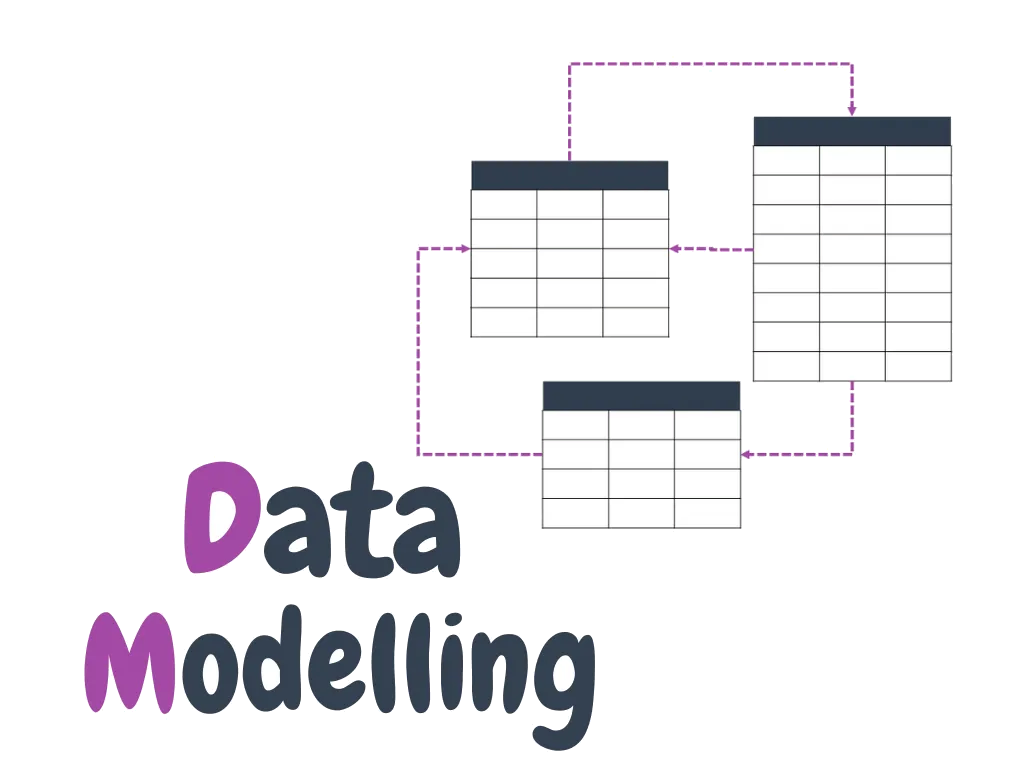
Looking for expert data visualisation consulting services in Australia? Our team of experienced data analysts and visualisation experts can help you gain valuable insights from your data through advanced data visualisation techniques. Contact us today to speak to a data visualisation expert and learn more about how our services can help your business make better-informed decisions based on data.