
Sound familiar?

  • Reports take days to build and still don't answer the question.
  • Only one or two people really know how Power BI works.
  • Teams export everything to Excel because they don't trust the reports.
  • Licences are paid for, but adoption is low.

What you'll get

  • Practical skills your team can use on day one.
  • Training matched to each person's level, from beginner to advanced.
  • Best-practice modelling, DAX and design habits from the start.
  • Follow-up resources after the course, so new skills turn into everyday habits.

Power BI Courses

Choose a single course or combine them into a learning path for your team. Durations are indicative and can be tailored.

Beginner 8 hours

Power BI Fundamentals

Ideal for: Business users and analysts who are new to Power BI.

8 hours: 2 half-day sessions online, or 1 day on-site

Before you start: None, though basic Excel skills help.

What we cover

  • Connect to and shape data with Power Query
  • Build a simple, reliable data model
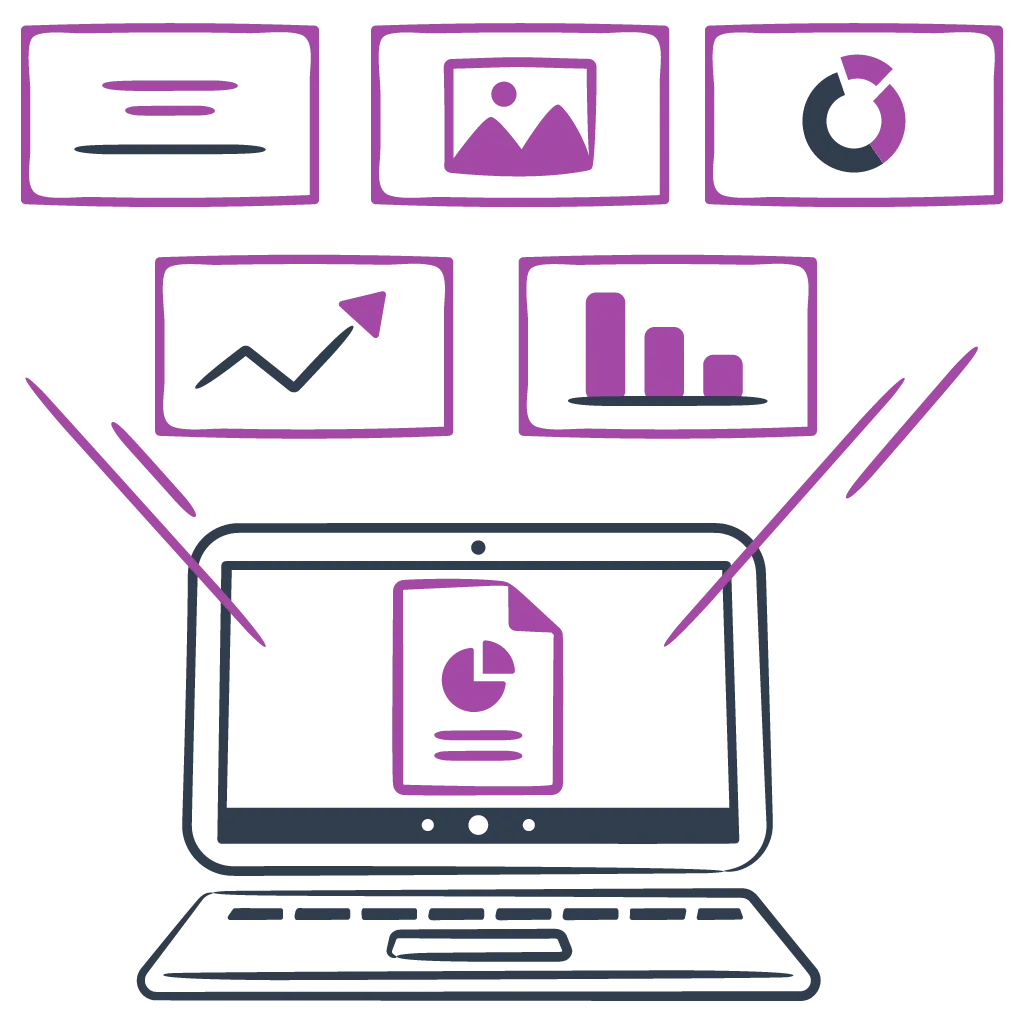
  • Create interactive reports and visuals
  • Publish and share reports in the Power BI service

Public class: 2 sessions: Wed 17 and Thu 18 Feb 2027

After the course: get help from our Data Visualisation & Power BI Consulting team, or try the free Power BI Licensing Calculator.

Intermediate 16 hours

Data Modelling & DAX

Ideal for: Analysts who build their own models and measures.

16 hours: 4 half-day sessions online, or 2 days on-site

Before you start: Comfortable building simple reports and data models in Power BI Desktop.

What we cover

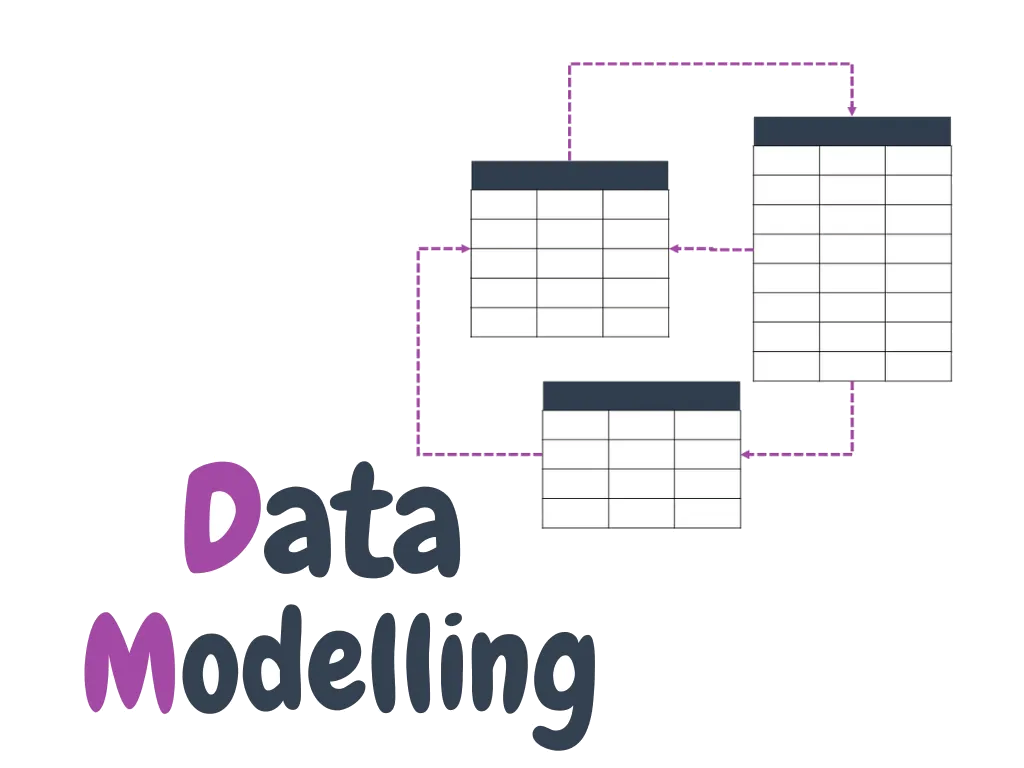
  • Design star schemas that perform
  • Understand relationships and filter context
  • Write DAX measures, including CALCULATE and time intelligence
  • Troubleshoot and speed up slow models

Public class: 4 sessions: Tue 23 to Fri 26 Feb 2027

After the course: get help from our Data Visualisation & Power BI Consulting team, or try the free Power BI Licensing Calculator.
Intermediate 4 hours

Copilot and AI in Power BI

Ideal for: Report authors, model builders and Power BI admins whose organisation has Copilot, or is evaluating it.

4 hours: 1 half-day session online, or a half day on-site

Before you start: Builds reports and models in Power BI Desktop.

What we cover

  • What Copilot in Power BI and Fabric can and can't do today, and its licensing and capacity requirements
  • Tenant settings, governance and data privacy for Copilot
  • Preparing a semantic model for AI: naming, descriptions, AI data schemas, AI instructions and verified answers, then marking the model approved for Copilot
  • See Copilot create report pages, summaries and DAX queries, and learn how to check each one
  • Check Copilot's answers with a known-answer test list, and spot the common ways it goes wrong

Copilot is demonstrated live by the trainer on a lab model. In a guided exercise in Power BI Desktop, you'll improve a model so Copilot can use it, and build a test list to check its answers. You don't need Copilot access of your own.

Public class: Wed 3 Mar 2027

After the course: get help from our Power BI Consulting team, or try the free AI Readiness Checklist.

Intermediate 8 hours

Report Design & Data Storytelling

Ideal for: Report authors who want reports people actually use.

8 hours: 2 half-day sessions online, or 1 day on-site

Before you start: Comfortable building simple reports and data models in Power BI Desktop.

What we cover

  • Layout and visual design principles
  • Choose the right visual for each question
  • Drill-through, tooltips and bookmarks that guide the reader
  • Accessible and mobile-friendly reports

Available as a private class for your team. Get a quote · Register interest in a public date

After the course: get help from our Data Visualisation & Power BI Consulting team, or try the free Power BI Licensing Calculator.

Advanced 16 hours

Advanced Power BI & Governance

Ideal for: BI developers, power users and Power BI administrators.

16 hours: 4 half-day sessions online, or 2 days on-site

Before you start: Comfortable building reports, data models and DAX measures in Power BI Desktop.

What we cover

  • Advanced DAX patterns and calculation groups
  • Row-level security
  • Deployment pipelines and Git integration
  • Workspace governance, capacity and performance tuning

Available as a private class for your team. Get a quote · Register interest in a public date

After the course: get help from our Data Visualisation & Power BI Consulting team, or try the free Power BI Licensing Calculator.

All levels 3 hours

Data and AI for Leaders

Ideal for: Managers and executives who use reports and are being asked about AI.

3 hours: 1 live online session, or a half day on-site

Before you start: None.

What we cover

  • Reading reports with confidence and spotting misleading numbers
  • What AI and Copilot can realistically do with your data
  • Data readiness and governance basics
  • Commissioning reports and AI projects that deliver
  • Leading adoption across teams

Free public session: Thu 18 Mar 2027

After the course: get help from our Data Strategy Consulting team, or try the free Data Maturity Assessment.

Learn Your Way

Every course is available in the format that suits your team, wherever you are in Australia.

On-site at your office

We come to you, anywhere in Australia, and train your team in their own environment.

Live virtual

Instructor-led sessions in Microsoft Teams, in half-day sessions that fit around work.

Public classes

Scheduled live online classes that anyone can book. See upcoming sessions.

  • Small classes, personal attention
  • Hands-on labs in Power BI Fundamentals, Modelling & DAX, Report Design and Advanced Power BI
  • Certificate of completion
  • Follow-up resources

How we work

1

Assess

A short skills survey shows where each person is starting from.

2

Tailor

We adapt the content and examples, and can use your own data in private sessions.

3

Train

Hands-on, instructor-led sessions with plenty of time for questions.

4

Embed

Follow-up resources help new skills become everyday habits.

Want help beyond training?

Our consultants design and build Power BI solutions too. We can build alongside your team, so they learn on real projects.

Frequently Asked Questions

Anyone who creates or uses Power BI reports: business users, analysts, report developers, administrators and leaders. We offer courses for every level, from complete beginners to experienced developers.

None for Power BI Fundamentals or Data and AI for Leaders, though basic Excel skills help. For the intermediate and advanced courses, you should be comfortable building simple reports and data models.

Each course lists its total hours. Live online, paid courses run in half-day sessions of 4 hours, which fit around work, and free sessions are shorter. Private classes can also run as full days on-site, or be split across several weeks or combined into a longer learning path.

On-site at your office anywhere in Australia, live online through Microsoft Teams, or in our public classes, which run live online.

Our public classes take up to 10 attendees, so everyone gets personal attention. For larger teams we can run a private session or split the group across several sessions.

A computer with a webcam and microphone, a reliable internet connection and Microsoft Teams, which can run in your browser. A second screen is recommended. Courses that use Power BI Desktop need Windows, or a Windows virtual machine on a Mac, and permission to install Power BI Desktop. In public classes you sign in to a training account outside your own organisation, so check that your workplace allows it. We send a short tech check a week before.

No, for attendee privacy. Paid attendees keep the slides and, where a course has labs, the lab guides and lab files.

Yes. In private sessions we can build examples and exercises around your own data and reports, so your team learns on the problems they solve every day.

Copilot in Power BI runs on a paid capacity: Microsoft Fabric F2 or larger, or Power BI Premium P1 or larger. Trial capacities don't qualify, and Premium Per User on its own isn't enough: it also needs a paid capacity or a Fabric Copilot capacity. Outside the US and EU, Copilot stays off until a Fabric administrator allows data to be processed outside the capacity's geographic region. We confirmed this on an Australian capacity in November 2026. Microsoft's requirements don't include a per-user Copilot licence, but normal Power BI licensing still applies: creating content outside My workspace needs Pro or Premium Per User, and on capacities smaller than F64, viewers need Pro, Premium Per User or an individual trial. We'll confirm what you need with you before the class.

Yes. Every participant in a paid course receives a certificate of completion.

For private team training, we quote for your team, course and format: contact us for a quote. Private sessions are often more cost-effective for teams of four or more. Individuals can also join our public classes, which have a fixed price per person including GST: see our upcoming sessions.

Talk to our Power BI team

Tell us about your team and what you want to achieve. We'll recommend the right courses and format, and send you a tailored quote.

Contact Data Consulting