
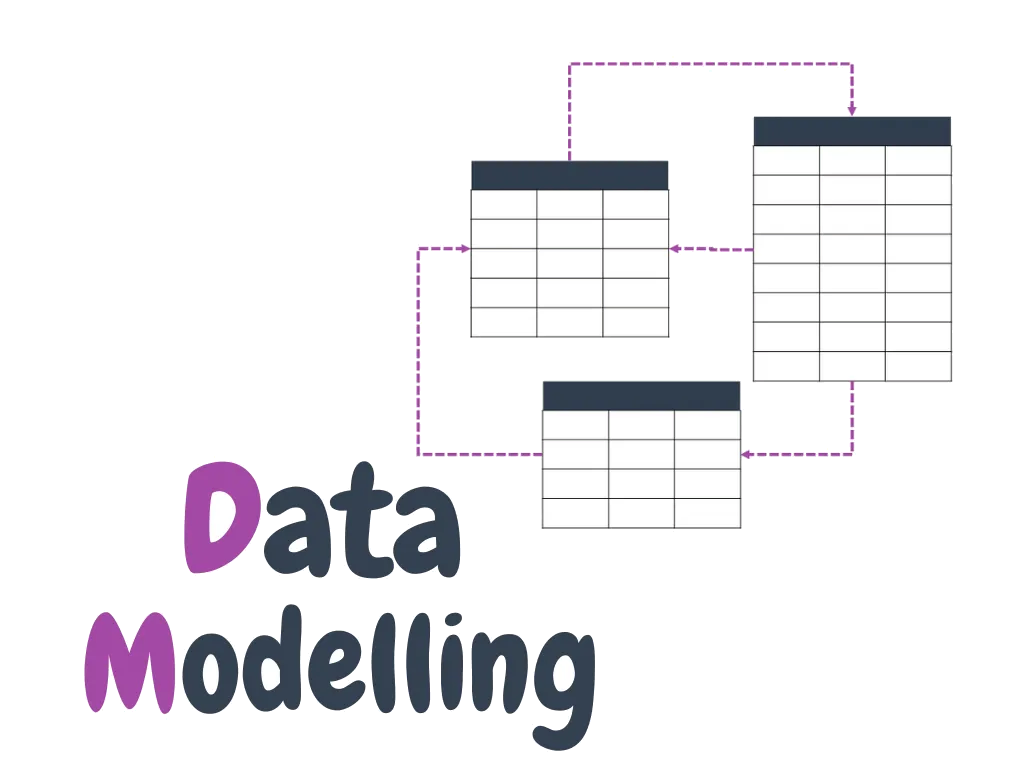
Organisations invest in dashboards, machine learning and AI, then find the numbers don't match, reports are slow and every new question needs a new data extract. The cause is usually the same: a weak or missing data model.
This article explains what data modelling is, why it underpins advanced analytics, and the practices that make models last.
What is data modelling?
Data modelling is designing how data is structured, related and defined so it can be used reliably. It covers the business entities that matter (customers, products, sites, shifts), how they relate, and the agreed calculations for measures such as revenue, margin or availability.
Facts and dimensions: the star schema
For analytics, the most widely used design is the star schema, which classifies every table as either a dimension or a fact:
- Dimension tables describe the business entities you analyse by, such as products, people, places and dates. They have a key that uniquely identifies each row, and descriptive columns used for filtering and grouping.
- Fact tables record events or observations, such as sales orders, stock balances or sensor readings. They hold the keys of the related dimensions and the numbers to be summarised.
Two ideas matter most in a fact table. Its dimensionality is which dimensions it relates to, and its grain is what one row represents, for example one row per order line, or one row per product per month. Microsoft's guidance is to load each fact table at a consistent grain and to avoid mixing dimension and fact content in the same table.
This shape suits tools like Power BI because every report visual sends a query that filters, groups and summarises: dimensions do the filtering and grouping, facts do the summarising, and one-to-many relationships connect them.
Modelling decisions you'll meet early
- Surrogate keys: a unique identifier added to a dimension, rather than taken from the source system, so each row can be referenced reliably.
- History (slowly changing dimensions): a Type 1 dimension simply overwrites old values, such as a phone number. A Type 2 dimension keeps versions, with start and end dates, so that, for example, a salesperson's past sales stay with the region they belonged to at the time. Type 2 needs a load process (usually in a data warehouse) that detects and stores the changes.
- Role-playing dimensions: one dimension used in several roles, typically a date table filtering by order date, ship date or delivery date.
- Flatten or snowflake: a product dimension split into product, subcategory and category tables can be combined into one table. For Power BI models, Microsoft notes the benefits of a single table generally outweigh keeping them separate.
- Many-to-many: when, say, a salesperson can cover several regions, a bridging table holding the two keys is the recommended pattern.
Define measures once
Calculations such as net sales or gross margin % belong in the model as explicit measures (in Power BI, written in DAX), not rebuilt in every report. That gives one tested definition, and lets you control how values are summarised. A unit price, for instance, should be averaged rather than summed. Some tools also depend on it: Analyze in Excel PivotTables query the model in a way that only works with explicit measures.
Why it matters for advanced analytics
Predictive analytics: forecasting needs clean, consistent history. A good model provides it without weeks of data preparation for every project.
Machine learning: features such as customer tenure or equipment age are far easier to build, reuse and trust when they come from a well-defined model.
Exploration and visualisation: in Power BI, a well-designed semantic model is what makes reports fast, self-service possible and numbers consistent across hundreds of reports.
AI: assistants that answer questions about your data, such as Copilot in Power BI, work from the model's tables, relationships and measures. Microsoft's guidance for preparing a model for Copilot asks for clear relationships, fact tables whose grain is stated, reviewed measures for business-critical calculations, and descriptive names, for example "Average Customer Rating" rather than "AvgRating". It also notes that instructions given to Copilot can't correct inaccurate relationships or inappropriate aggregations. Those have to be fixed in the model itself.
Where to build it
Small models can be shaped directly in Power BI with Power Query. When data volumes are large, or you need history such as Type 2 dimensions, Microsoft recommends building a data warehouse with load processes first, such as a Fabric Warehouse, and connecting the semantic model to it.
Best practices
- Start from business questions. Model the processes and decisions the business cares about, not just the source system tables.
- Declare the grain first. Agree what one row of each fact table means before adding columns.
- Use proven patterns. Star schemas for analytics, and layered (medallion) architectures for data platforms.
- Design for change. Expect new sources and requirements, and keep the model modular.
- Govern definitions. Document every measure and give each data set an owner.
- Automate and test. Use version control, automated deployment and data tests, for example with dbt, so changes are safe.
Our data engineering and data visualisation teams design models that make analytics fast and trusted. Our Power BI training also covers data modelling and DAX in depth.
If your Power BI models are slow or hard to trust, our Power BI Health Check reviews your key reports and their data models in two weeks, at a fixed price from A$5,500 + GST.