
Microsoft Fabric is billed by capacity, not by user, which makes it easy to compare options but hard to answer the simple question: what will it cost us? This guide uses Microsoft's own list prices for Australia to show what a Fabric bill is made of, what each capacity size costs per month, and the decisions that move the number most.
All prices below are Microsoft list prices in Australian dollars for the Australia East region (Australia Southeast is the same), as published in October 2026. They exclude GST and any discounts your agreement includes.
Prices change. Microsoft can change these prices at any time. Check current rates on Microsoft's Fabric pricing page or in the Azure pricing calculator before you budget, and note that your own agreement may include discounts.
The three parts of a Fabric bill
- Capacity: the compute that runs everything in Fabric, from data pipelines and notebooks to warehouses and Power BI reports. It's the biggest part of most bills.
- OneLake storage: the data you keep in Fabric, charged per gigabyte per month.
- Power BI licences: per-user licences for the people who build and share reports, and on smaller capacities for everyone who views them.
Capacity: what each size costs
Fabric capacities are sold in sizes from F2 upwards, where the number is the capacity units (CUs) you get. Each size doubles the one before it, and so does the price. You pay in one of two ways:
- Pay-as-you-go: A$0.2992 per CU per hour, billed for the hours the capacity runs. You can pause it when it isn't needed and resize it at any time.
- Reservation: A$1,558.52 per CU for a year, about 41% less than running pay-as-you-go around the clock. A reserved capacity can't be paused to save money, so it suits capacities that run all the time.
| Capacity | Pay-as-you-go, running 24/7 | Pay-as-you-go, business hours only | 1-year reservation |
|---|---|---|---|
| F2 | A$437 a month | A$158 a month | A$260 a month |
| F4 | A$874 a month | A$316 a month | A$520 a month |
| F8 | A$1,747 a month | A$632 a month | A$1,039 a month |
| F16 | A$3,495 a month | A$1,264 a month | A$2,078 a month |
| F32 | A$6,989 a month | A$2,528 a month | A$4,156 a month |
| F64 | A$13,979 a month | A$5,055 a month | A$8,312 a month |
| F128 | A$27,957 a month | A$10,111 a month | A$16,624 a month |
"Business hours only" assumes the capacity runs 12 hours a day on 22 working days a month and is paused the rest of the time, about 36% of the month. That works well for development and test capacities, and for production when nobody needs reports or refreshes overnight.
The F64 threshold
The most important number in Fabric pricing is F64. On F64 and larger capacities, people who only view reports can do so with a free licence. Below F64, everyone who views Power BI content needs a paid licence too. Power BI Pro is A$21 per user per month (paid yearly), and Premium Per User is A$35.90. People who build and publish reports need Pro on any size.
That makes the right size depend on how many people read reports, not just on how much data you have. With a reservation, an F64 costs about A$4,156 a month more than an F32. Once roughly 200 people only view reports, that difference is less than giving each of them a Pro licence, so the bigger capacity is the cheaper option. On pay-as-you-go running around the clock, the crossover is nearer 330 people.
Don't size on viewers alone. A small team can run comfortably on F8 or F16 with Pro licences. F64 pays off when a large audience reads reports, or when your workloads genuinely need the compute.
OneLake storage
OneLake storage costs A$0.0356 per GB per month, about A$36 per terabyte. For most organisations it's a small share of the bill. Data you mirror into Fabric from other databases gets free storage that grows with your capacity size; Microsoft's example is 64 TB of free mirroring storage with an F64. Shortcuts, which reference data held elsewhere such as Azure Data Lake Storage, don't copy it into OneLake at all.
Two example budgets
These are illustrations at list prices, before GST, not quotes. Your own numbers depend on your workloads.
| Small team | Organisation-wide reporting | |
|---|---|---|
| Capacity | F8, pay-as-you-go, paused outside business hours: A$632 | F64, 1-year reservation: A$8,312 |
| Power BI licences | 30 Pro users: A$630 | 20 report builders on Pro: A$420 (viewers need no licence) |
| OneLake storage | 500 GB: A$18 | 2 TB: A$73 |
| Monthly total | About A$1,280 | About A$8,805, for any number of viewers |
What drives the size you need
Capacity is shared by everything that runs on it, so the right size depends on your workloads rather than your data volume alone:
- Data refreshes and pipelines: how much data you load, how often, and how much transformation it needs.
- Notebooks and Spark jobs: data engineering and data science can use a lot of compute in short bursts.
- Report use: how many people open reports at the same time, especially at month-end.
- Real-time workloads: streaming data and alerts run continuously.
Fabric smooths short bursts across time, so a brief peak doesn't need a bigger capacity on its own. The reliable way to size is to measure: run a Fabric trial or a small pay-as-you-go capacity with your real workloads, watch it in Microsoft's Capacity Metrics app, and use the Fabric SKU Estimator for growth.
Ways to keep the bill down
- Reserve what runs all the time. A production capacity that's busy around the clock is about 41% cheaper on a 1-year reservation.
- Pause what doesn't. Development and test capacities rarely need to run overnight or at weekends.
- Check the F64 threshold. Compare the capacity cost with the Pro licences it would save, using your real number of report viewers.
- Size on evidence, then resize. Pay-as-you-go lets you scale up or down at any time, so start where the measurements point and adjust.
- Watch consumption. Set budgets and alerts in Microsoft Cost Management, and use Fabric's surge protection to stop one workload crowding out the rest.
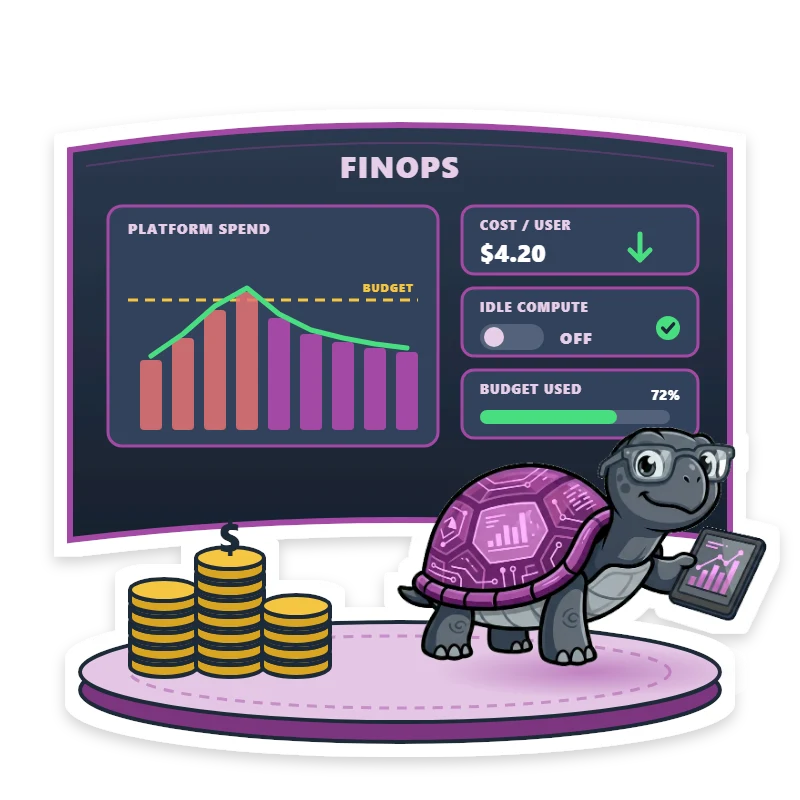
Our article on FinOps for data platforms covers cost governance in more depth.
What these prices don't include
The figures above cover Fabric itself. They don't include GST, implementation and migration work, other Azure services such as networking or on-premises data gateways, or training. If you're moving from Power BI Premium, our guide to moving from P SKUs to F SKUs explains what changes.
For a number based on your own data sources and users, try our free Fabric cost calculator, which uses the same prices. If you're still deciding on Fabric, our fixed-scope Fabric Readiness Review sizes your capacity from your real workloads, and our Fabric Accelerator sets up the platform in four phases of up to a week each.