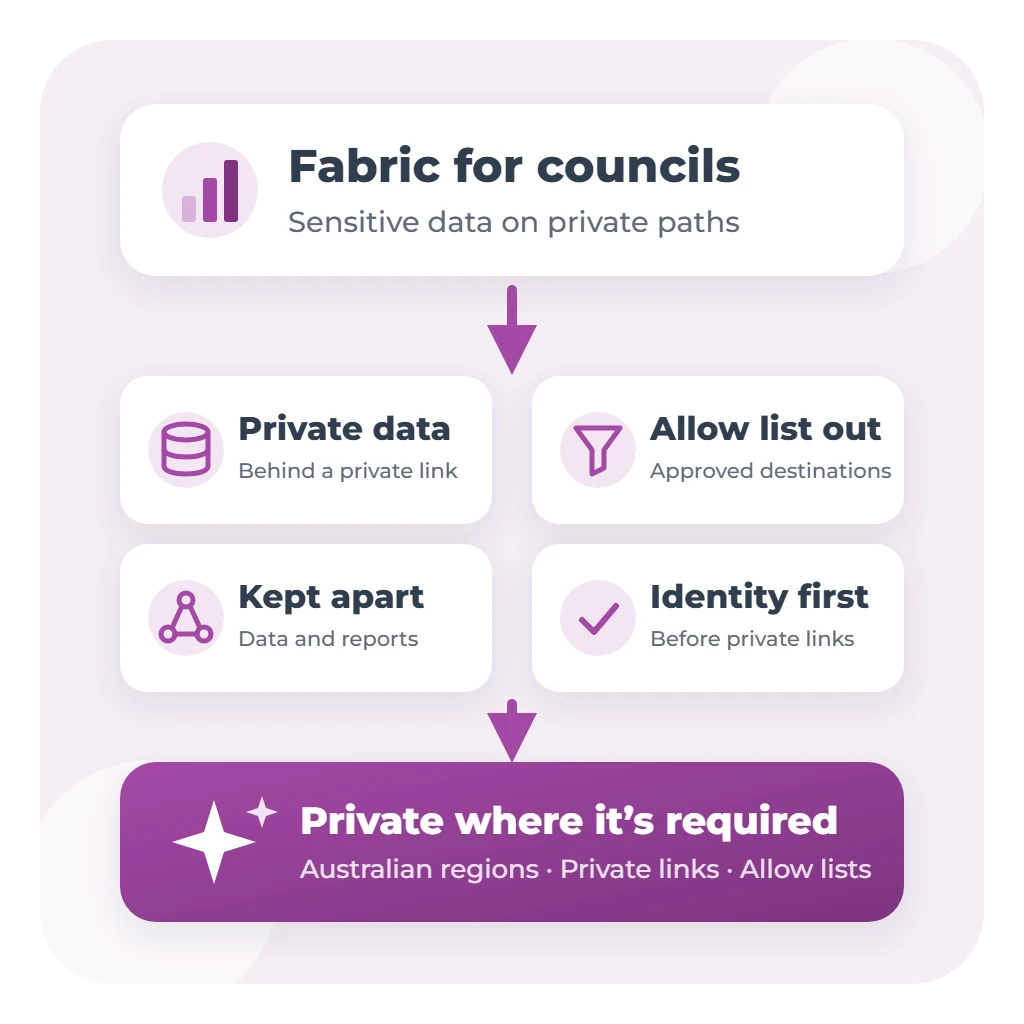
Councils hold some of the most personal data in their communities: ratepayer and property records, customer requests, workforce data and, for many, community services information. Most of that can be protected well by identity alone. But some councils have a policy, an auditor's finding or a risk assessment that says sensitive data must only travel over private network paths. This page sets out the Fabric architecture we'd start from when that's the requirement, the decisions it forces, and what stops working along the way.
It's one of our scenario pages, applying the defaults in our Fabric architecture guide to one situation. It builds on our two-part series on securing Fabric workspaces: Part I covers inbound access and Part II covers outbound access.
Fabric's network features change often, and several pieces here are recent. Every statement links to the Microsoft Learn page behind it, and we recheck them each quarter. This is a starting architecture to discuss, not legal or compliance advice: your obligations come from the legislation and policies that apply to your council and from your own risk assessment.
Who this suits
- A council, or another public body, bringing sensitive personal data into Fabric.
- A written requirement for private network paths to that data, not just a preference.
- An Azure virtual network already in place, or planned, with a VPN or ExpressRoute link from your offices.
- An IT team that can look after networking, DNS and identity alongside the data team.
If the requirement is really "keep it secure" rather than "keep it off the public internet", start with the guide's identity-first default. It protects most council data well, for far less cost and complexity.
Start with identity, whatever comes next
Private networking adds to identity controls; it doesn't replace them. Before any private link, we put these in place:
- Sign-in: Microsoft Entra ID with multifactor authentication and Conditional Access policies for everyone who uses Fabric.
- Classification: sensitivity labels from Microsoft Purview on Fabric items, so sensitive data is marked wherever it goes.
- Audit: Fabric activity is recorded in the Microsoft Purview audit log. Decide who reviews it and how long you keep it.
Microsoft Learn: Use Microsoft Purview to protect Fabric · Track user activities in Fabric
The architecture
Text version of this diagram
- Your network: council systems, and an Azure virtual network with private endpoints and a data gateway, connected to your offices by VPN or ExpressRoute.
- A private data workspace with a pipeline that loads data through the gateway, a notebook that cleans and shapes it, and a lakehouse that holds the gold tables.
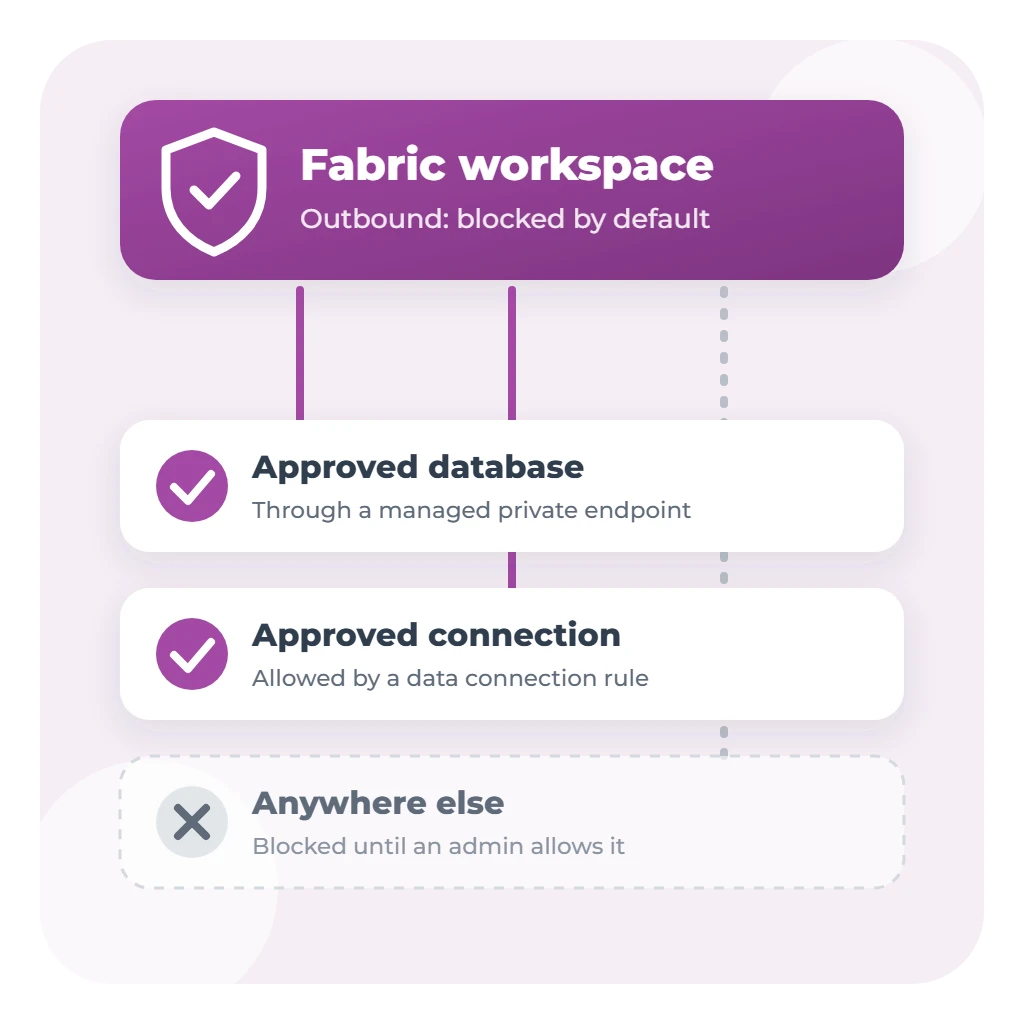
- The private data workspace only accepts traffic through its own private link, with public access denied, and can only send data to destinations on its allow list.
- A separate reporting workspace holds an import semantic model and the reports staff use through an app.
- The semantic model refreshes from the lakehouse through the data gateway in your network.
The split into two workspaces isn't a design preference; Fabric requires it. Power BI semantic models can't live in a workspace that uses workspace-level private links, so the reports sit in a second workspace and reach the private data through a data gateway that has its own private endpoint to the data workspace. Microsoft documents this pattern with either an on-premises or a virtual network data gateway.
The decisions to make
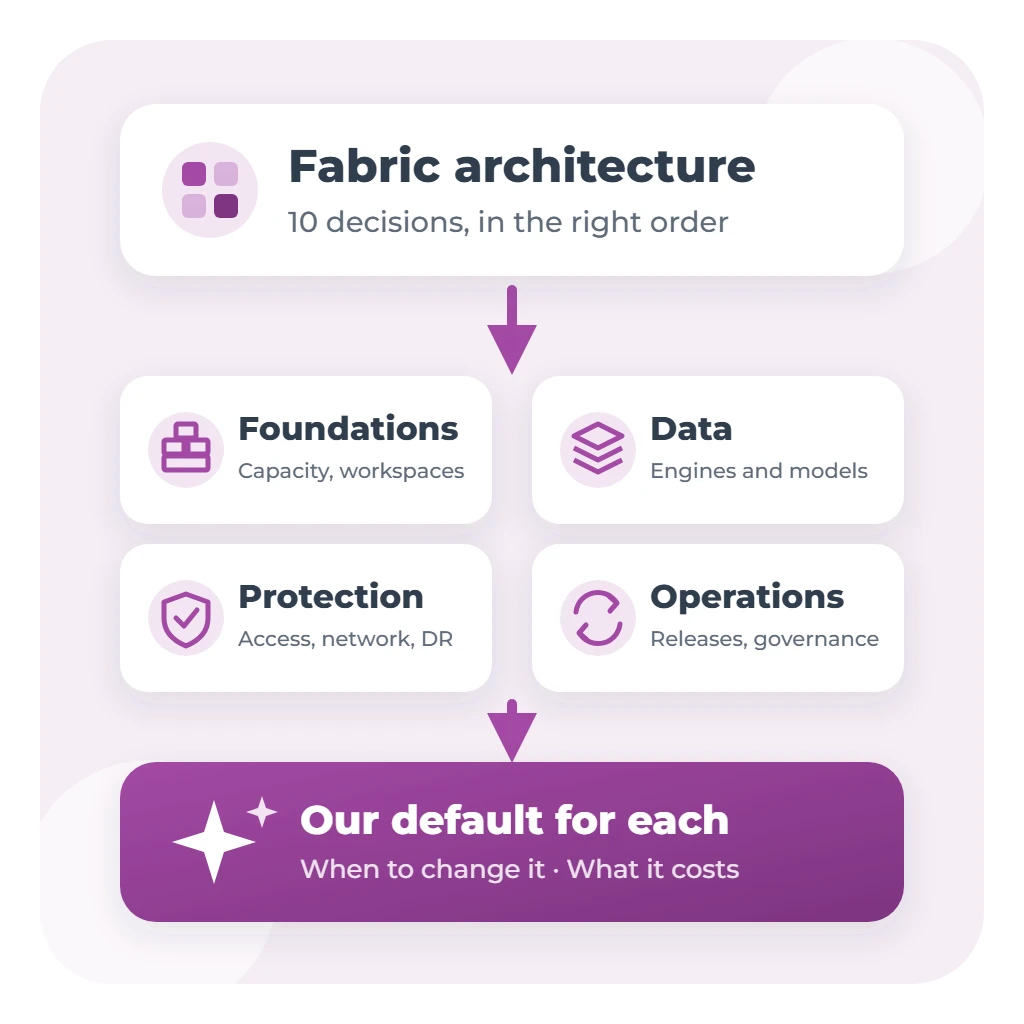
Six decisions shape this architecture. Each follows the same pattern as the guide: our default, when to move away from it, and what it costs you.
1. How much to make private
- Our default
- Workspace-level private links on the workspaces that hold sensitive data, with public access to those workspaces denied. Everything else stays protected by identity. Workspace-level private links don't need tenant-level Private Link.
- Move away when
- The requirement covers all Fabric and Power BI use, including the portal and every report. Then tenant-level Private Link with public internet access blocked is the option, and every user has to connect from your network.
- What it costs
- Workspace-level private links need a paid F SKU, not a trial or P SKU, and each workspace gets one private link service. Private endpoints and extra network traffic are billed in Azure. Tenant-level Private Link switches off more: the on-premises data gateway, publish to web, exporting reports to PDF or PowerPoint, and, with public access blocked, email subscriptions.
Part I walks through the inbound settings and what each one blocks.
Microsoft Learn: Workspace-level private links: supported scenarios and limitations · Protect inbound traffic
2. How reports reach the data
- Our default
- Import models in a separate reporting workspace, connected to the private lakehouse's SQL analytics endpoint through a data gateway in your network. A virtual network data gateway avoids servers to manage; an on-premises gateway works too.
- Move away when
- Data must be current to the minute: DirectQuery through the same gateway is supported. Or the reports themselves must only be reachable from your network: that takes tenant-level Private Link.
- What it costs
- Direct Lake isn't supported against data in a workspace that restricts inbound access, so there's always an import or query step. An import model holds a copy of the data, which means the reporting workspace holds sensitive data too: protect it with sensitivity labels, row-level security and tight workspace roles. A virtual network gateway is billed against your capacity while it runs.
Microsoft Learn: Access restricted lakehouse data from Power BI through a virtual network gateway · Cross-workspace communication
3. Getting council data in
- Our default
- Pipelines that reach on-premises council systems through a data gateway, which only makes outbound connections, so no inbound firewall ports are opened. Prove each load path early in non-production: gateway support in a restricted workspace differs by item type, and Dataflow Gen2 there must use a virtual network data gateway in the same virtual network as the workspace's private endpoint. For Azure sources, a workspace identity with trusted workspace access or managed private endpoints, so no passwords are stored and nothing is opened to the internet.
- Move away when
- You use tenant-level Private Link, which doesn't support the on-premises gateway: use the virtual network data gateway instead, with your network reaching council systems.
- What it costs
- You run and patch on-premises gateway machines yourself. Spark in a workspace with managed private endpoints loses the pre-warmed starter pools, so sessions take a few minutes to start.
Part II covers each of these building blocks.
Microsoft Learn: Managed private endpoints · Trusted workspace access · Workspace private links: Dataflow Gen2 support
4. Where data can go
- Our default
- Turn on outbound access protection for the private data workspace before you create its lakehouse, as Microsoft recommends, so the lakehouse is compatible from the start. Build the allow list from an inventory of every connection the workspace needs, and keep the gold layer in a lakehouse.
- Move away when
- The workspace holds items that don't support outbound protection. Move those into a separate workspace that isn't protected, rather than leaving the sensitive workspace open.
- What it costs
- Allowing a gateway allows everything behind it. Warehouses get no outbound exceptions at all. The portal can't turn on workspace private links and outbound protection together, so both are set through the network communication policy API.
Microsoft Learn: Workspace outbound access protection · Outbound access protection for Data Factory
5. Releasing changes
- Our default
- Git integration for the private data workspace, with releases scripted against the Fabric REST APIs, which work through the workspace's private link. Development and test workspaces get the same network settings as production, so you test what you ship.
- Move away when
- Only the reporting workspace changes often. It isn't restricted, so it can keep using deployment pipelines.
- What it costs
- Deployment pipelines can't connect to a workspace that denies public access, and a workspace in a deployment pipeline can't be restricted. With outbound protection on, Git integration needs a workspace admin to allow it.
Microsoft Learn: Choose a Fabric CI/CD workflow
6. Where data lives, and who holds the keys
- Our default
- Capacities in Australia East or Australia Southeast, both of which run every Fabric workload. Check your tenant's home region in the Fabric portal's About window, because tenant metadata stays there whatever region your capacity is in.
- Move away when
- A policy requires you to control the encryption keys. Customer-managed keys from your own Azure Key Vault can encrypt a workspace's data, including everything in OneLake.
- What it costs
- If the tenant's home region is outside Australia, some metadata, such as permissions and report metadata, is stored there. With customer-managed keys, revoking or losing the key blocks access to the data within an hour, not every item type supports them, and key rotation becomes your job.
Microsoft Learn: Fabric security fundamentals: data residency · Multi-Geo support · Customer-managed keys for workspaces
Risks to plan for
| Risk | How we handle it |
|---|---|
| Features staff rely on stop working | List what each setting switches off before you turn it on, such as exports, subscriptions, Copilot and item sharing links, and tell staff what changes and what replaces it. |
| The gateway becomes a single point of failure | Reports and loads all depend on it. Run the on-premises gateway as a cluster, monitor it, and include it in patching and recovery plans. |
| Admins lock themselves out | Set up and test the private network path before denying public access, and keep a documented way back in for administrators. |
| Sensitive data leaks into the reporting workspace | Import only the columns reports need, label the models, apply row-level security, and keep the workspace's roles as tight as the data workspace's. |
| Network features change under you | Several of these settings and their limits are recent, and some parts are still in preview. Recheck the limitations pages before each change, and test in a non-production workspace first. |
What we'd do first
- Find the requirement. Get the exact wording of the policy, audit finding or risk assessment, and agree which data it covers. It decides how much has to be private.
- Classify the data. Decide which datasets are sensitive, and so which workspaces need private links and outbound protection.
- Prepare the network. Virtual network, private DNS, the VPN or ExpressRoute path, and the data gateway, tested before anything is restricted.
- Prove it in non-production. On a paid F SKU, since private links don't work on trials: restrict one workspace, build the reporting path, and run every load and refresh.
- Roll out in stages. One sensitive workspace at a time, following the staged rollout in Part II.
Planning Fabric for a council?
Our Microsoft Fabric Readiness Review covers security and governance: we work out which data needs private paths, design the workspaces and network with your IT team, and give you a staged plan. See also how we help local government with data and AI.
Frequently asked questions
Do councils need Private Link for Microsoft Fabric?
Not automatically. Entra ID, multifactor authentication and Conditional Access protect most council data well. Private networking makes sense when a policy, audit finding or risk assessment requires private network paths, and then it's usually best applied to the workspaces that hold sensitive data rather than the whole tenant.
Does Microsoft Fabric keep council data in Australia?
Workspaces on a capacity in Australia East or Australia Southeast keep their data at rest in Australia. Tenant metadata is kept in your tenant's home region, which you can check in the Fabric portal's About window. If the home region is outside Australia, some metadata, such as permissions and report metadata, is stored there, and a few features, such as data alerts, process data there.
Can Power BI reports use data in a private workspace?
Yes, but not from inside it. Semantic models can't be created in a workspace with workspace-level private links, so they go in a separate workspace and connect to the private lakehouse in Import or DirectQuery mode through a data gateway in your network. Direct Lake isn't supported for this yet.